
The Best Repair and Troubleshooting Resources for Resellers and Maintenance Teams
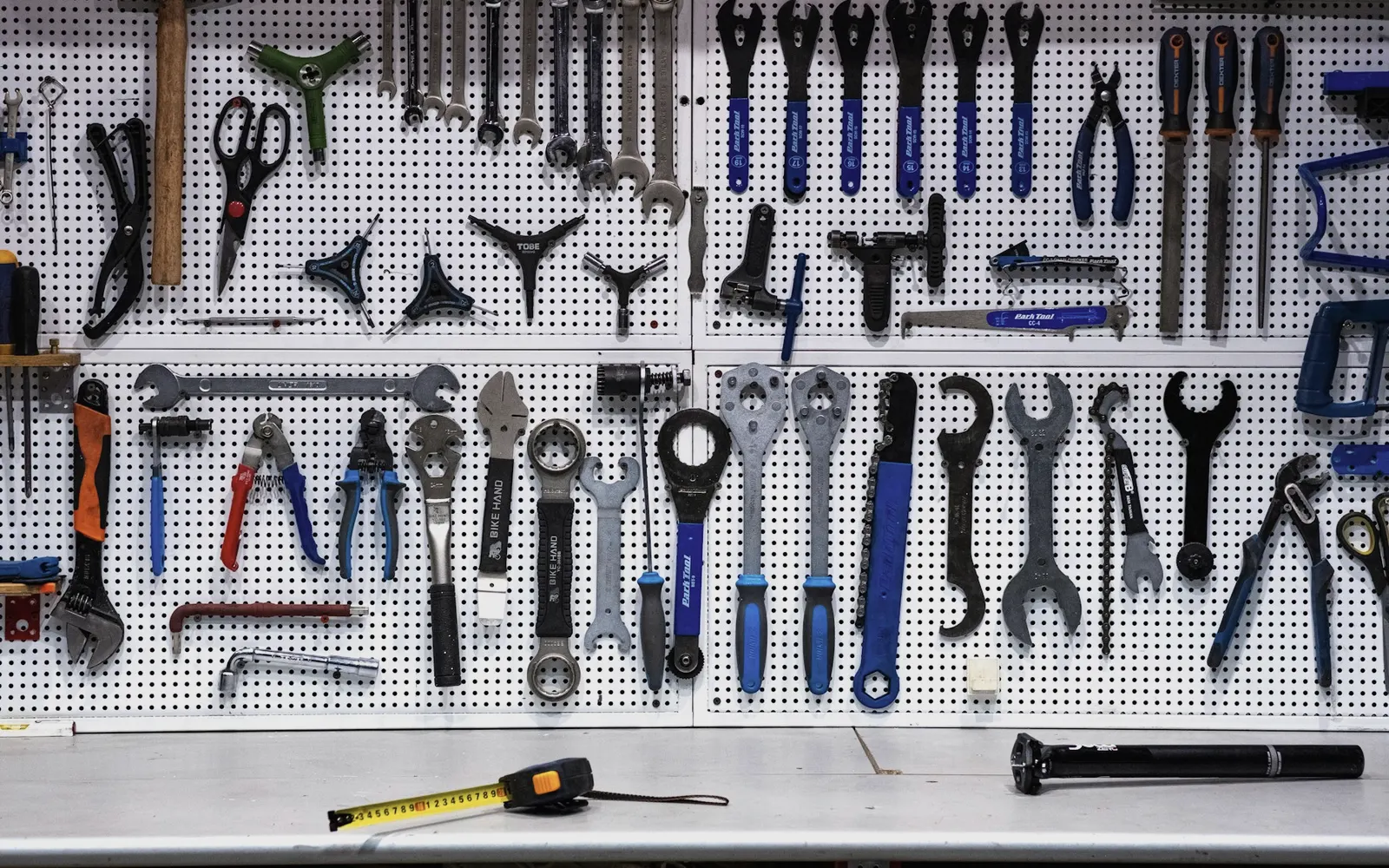
The most useful repair resources for resellers are the ones that help you identify an item, confirm how it should work, and find a documented fix quickly: teardown guides like iFixit, manufacturer service manuals, part-number lookups and a few reliable YouTube channels. Maintenance and facility teams use the same sources to keep equipment running and to decide when a unit is worth fixing. This list covers the equipment repair guides and communities we consider worth bookmarking, with notes on how each one fits into real work.
Key takeaways
- Start with the manufacturer: service manuals and parts diagrams are the most accurate source for model-specific procedures.
- iFixit is the best general-purpose starting point for consumer electronics teardowns and part replacements.
- Community Q&A sites like Fixya are useful for symptom-based troubleshooting, but verify answers before acting on them.
- YouTube is strongest for seeing a procedure done, not for model-specific specs.
- Record which resource solved which problem, so the next technician starts from the answer.
Where do resellers find repair guides for returned products?
Resellers mostly use repair resources for three jobs: confirming what a product is, testing whether it works as designed, and deciding whether a fault is a quick fix or a reason to sell the unit as-is. That makes speed and accuracy more important than depth. If you are building a testing routine, our step-by-step process for grading returned products shows where these resources fit.
Manufacturer service manuals and part-number lookups
This is the category most lists skip, and it is often the most reliable.
- Service manuals and user manuals: Most manufacturers publish user manuals on their support pages. Many also publish service manuals, exploded diagrams and error-code tables, especially for appliances, power tools and commercial equipment. Search by the exact model number from the unit's label.
- Parts diagrams from authorized parts distributors: Appliance, tool and HVAC parts sellers often host exploded views searchable by model number. These are useful for confirming what a missing accessory is called and what it costs.
- Part-number and UPC lookups: Searching a part number or UPC on the manufacturer's site, a distributor catalog or a marketplace catalog confirms the exact model and its variants. This is how you tell two near-identical units apart.
- Error-code tables: For appliances and electronics that show codes, the manual's code table is usually faster than any forum.
For industrial and commercial parts, the manufacturer's spec sheet or datasheet is the reference. Sellers of industrial surplus rely on these to confirm ratings, dimensions and compatibility before anything is listed.
Websites for repair and troubleshooting
-
 iFixit (ifixit.com): A large library of free, community-written repair guides with photos, especially for phones, laptops, tablets, game consoles and small electronics. It also sells tools and replacement parts. For resellers, the teardown photos help you check whether a device has been opened or has non-original parts.
 -
 Instructables (instructables.com): A community site where users post step-by-step project write-ups, including repairs and fixes. Quality varies by author, so treat it as a source of ideas and approaches rather than a verified procedure.
 -
 Makezine (makezine.com): The site of Make: magazine, covering electronics, fabrication and maker projects. Useful for building general skills like soldering, basic circuits and tool use rather than for model-specific repairs.
 -
 Repair.org (repair.org): The site of the Repair Association, an advocacy group for Right to Repair legislation. It does not host repair guides. It is useful for following which states have passed repair laws that affect access to parts, tools and documentation.
 -
 Fixya (fixya.com): A Q&A site where people describe a problem with a specific product and others suggest fixes. Good for symptom searches ("model X won't power on after reset"), but answers vary in quality, so confirm against the manual.
YouTube channels for equipment repair
Video is best when you need to see how a part comes apart, where hidden clips are, or what a normal operating sound looks like.
-
 iFixit (YouTube): Video versions of iFixit repairs and teardowns, mostly consumer electronics.
 -
 This Old House (YouTube): Home repair and renovation from the long-running TV series. Relevant to facility teams handling plumbing, doors, flooring and building maintenance.
 -
 ElectroBOOM (YouTube): Electrical engineering concepts explained with humor and deliberate on-camera mishaps. A good way to learn electrical safety and why things fail, not a source of step-by-step repairs.
 -
 Engineering Explained (YouTube): Clear explanations of how automotive systems work. Useful background for anyone testing or grading automotive parts.
 -
 Home Repair Tutor (YouTube): Detailed tutorials on home repair and remodeling, with a strong focus on bathrooms, tile and drywall.
 -
 Scotty Kilmer (YouTube): A longtime mechanic sharing car repair, maintenance and diagnostic advice.
 -
 Handyman Startup (YouTube): Business advice for people starting or running handyman and repair services, such as pricing and finding customers. More about the business side than the repairs themselves.
How maintenance and facility teams use these resources
Facility teams face a slightly different question than resellers: repair in place, or replace and dispose of the old unit. A practical approach:
- Check the manufacturer's manual first for error codes and approved procedures, especially on anything under warranty.
- Use iFixit or YouTube to preview the job and estimate time before committing a technician.
- Confirm part availability by part number before opening the unit.
- Log the fix in your maintenance system with the source you used.
Replaced equipment that still works, and spare parts left over after an upgrade, do not have to go to scrap. Many buyers purchase surplus inventory and working used equipment in bulk.
Build a shared resource list for your team
A short internal document beats a long list of bookmarks. For each product category you handle often, record:
- The manufacturer support page for manuals and parts.
- The one or two guides or videos that solved a problem before.
- The common failures you have seen and what fixed them.
- The test procedure you use to confirm the fix.
Frequently asked questions
Are iFixit guides reliable for commercial use?
They are a strong starting point for consumer electronics. For commercial or warrantied equipment, confirm the procedure against the manufacturer's service documentation.
Where can I find a service manual for a specific model?
Start with the manufacturer's support page and search the exact model number. Authorized parts distributors often host manuals and exploded diagrams as well.
Should resellers repair items or sell them as-is?
Repair when the value gained clearly exceeds parts and labor. Our guide on recovering value from returned and damaged inventory walks through that decision.
Selling inventory to Nevra
Nevra buys customer returns, surplus equipment and mixed-condition lots, including items that need repair. We test, photograph and list everything in-house for our own marketplace stores, so you do not need to fix anything first. If you have units waiting on repairs that never get done, start with Sell your inventory or see what we buy.
Have inventory to sell?
Our purchasing team reviews excess, closeout and returned inventory from businesses across the US.
Sell your inventoryMore articles
 Inventory economics
Selling Online Is No Longer Optional: A Practical Guide for Traditional Businesses
Buyers research and order online, even in B2B. What traditional US businesses risk by staying offline, and a realistic way to start selling online.
Read article Sustainable operations
Why Delivery Speed Is a Competitive Advantage (and Why Reliability Matters More)
Shoppers compare delivery as closely as price. What fast shipping means in 2026, why reliable promises beat raw speed, and how small sellers keep up.
Read article Selling surplus
How Small American Brands Compete With Big Companies
Big-box retailers win on scale. Small American brands win on speed, focus and trust. A practical playbook for competing without matching their budget.
Read article